
What should you do if the sheet music contains mistakes?
An automatic transcription is not always perfect. You can edit the notes or run the conversion again with different choices.
How do I correct notes?
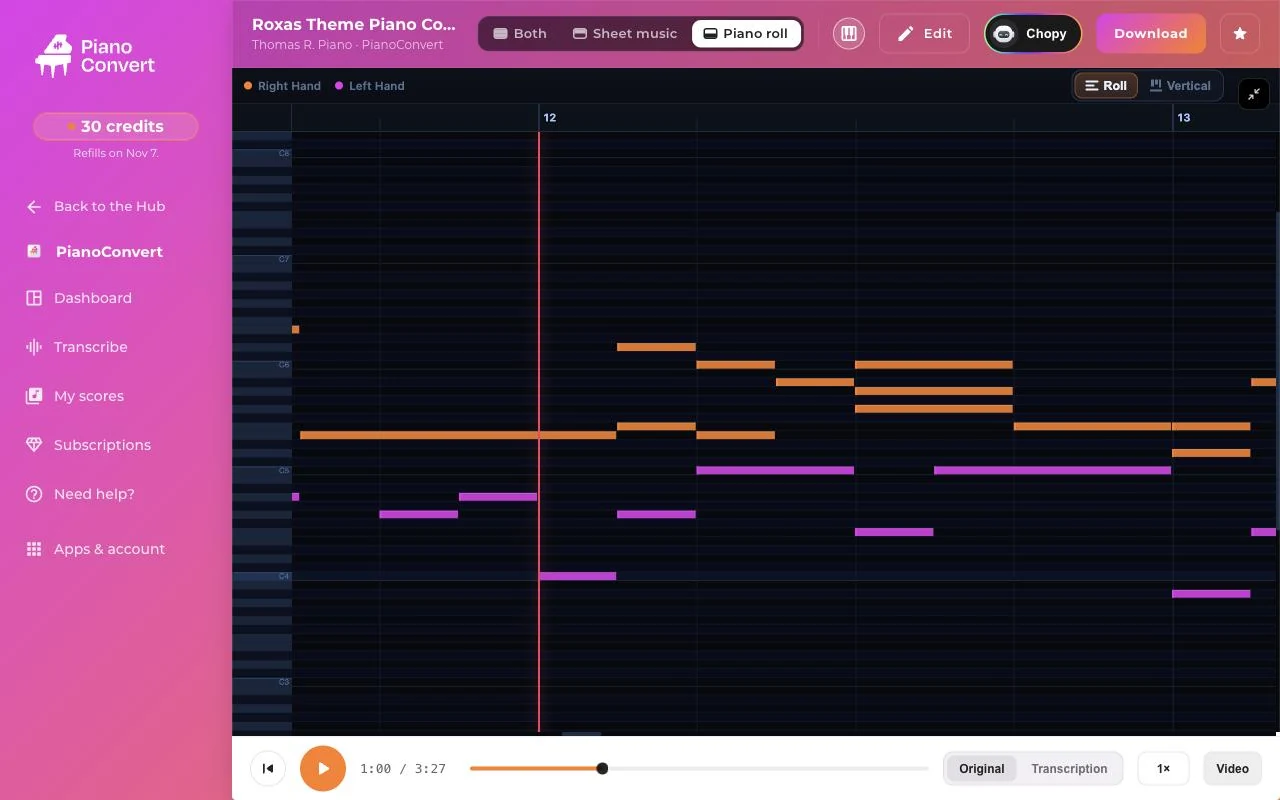
In the piano roll of your sheet music, edit the notes. The sheet music is then regenerated from your changes. The lyrics, if there are any, are carried over to the regenerated file.
How do I run it again with better choices?
- Check the mode: a song with several instruments is transcribed better in extraction or arrangement. See Transcription or arrangement.
- Check the source and the settings. See Improving quality.
- Start a new conversion.
What about chords and note names?
They are added at the sheet music settings step, before the conversion: choose chord symbols or note names (A to G, or Do Re Mi).
The sheet music does not display as expected
Was this article helpful?
In the same topic
Ready to try it?
Turn your songs into sheet music and MIDI files with the La Touche Musicale apps in the HUB.